ReviewPilotSmartLabelsStock-InVerifyParkBook a demo
FIVE PRODUCTS. ONE EXPERIENCED TEAM.

Five products for the work
your team does every day.

Each product handles a specific job. Use one on its own, or combine them to support more of the customer journey.

ALSO FROM THE TEAM BEHIND DRIVELINK

ReviewPilot

Your customer experience continues in the reviews.

Personalized AI replies to Google reviews, with automation your managers control. Keep sensitive feedback in a clear inbox and see which employees customers mention with optional tracking.

Explore ReviewPilot
GOOGLE REVIEW MANAGEMENT

Thoughtful replies.
Less work.
You’re in control.

A separate platform for dealerships and other businesses.

BEFORE, DURING, AND AFTER THE SALE

Support the whole customer journey.

01 · PREPARE

Ready for arrival

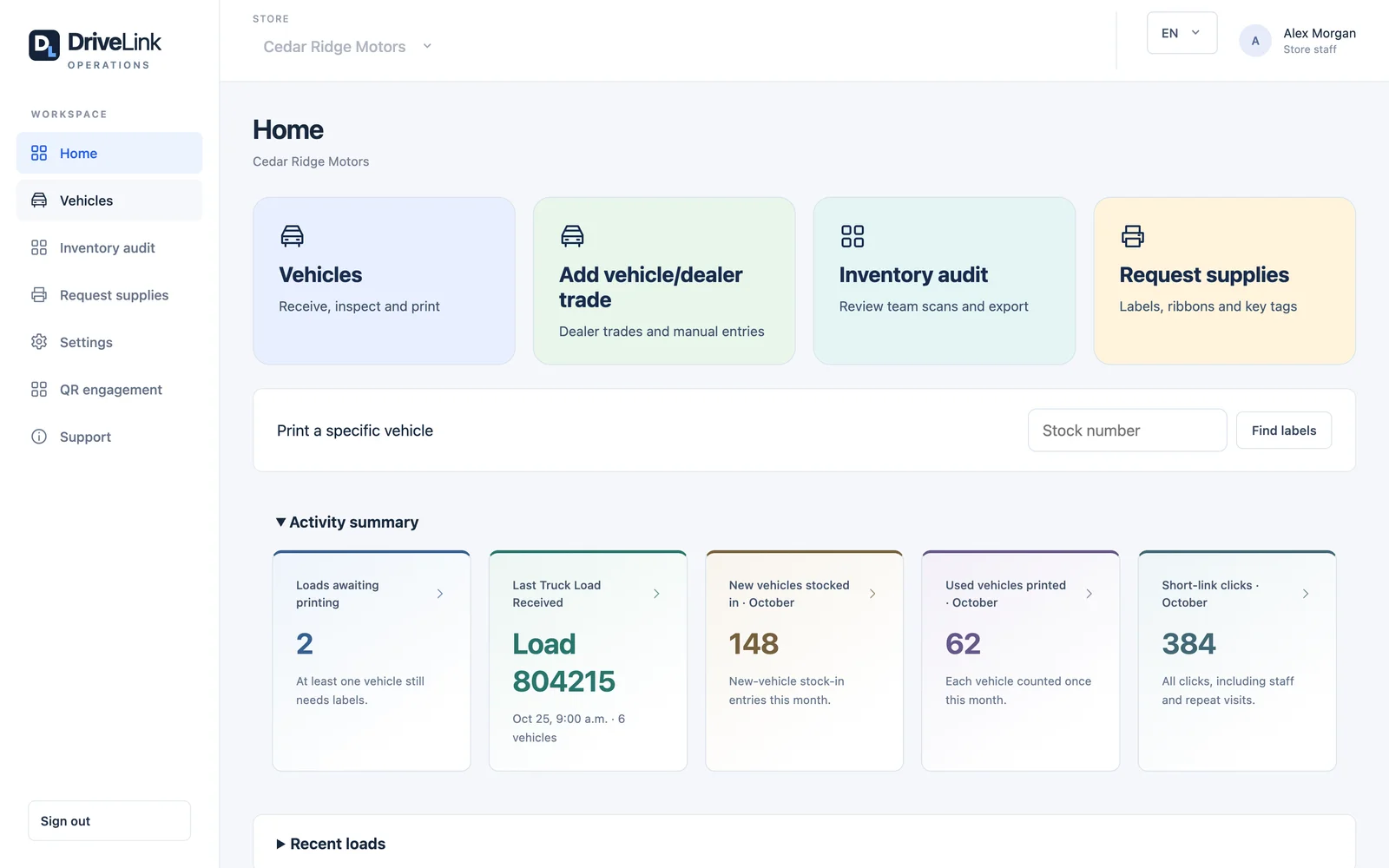
Stock-In prepares incoming vehicles, labels, and connected system records.

Explore Stock-In
02 · DISCOVER

Make the lot easier to shop

SmartLabels connects shoppers to vehicle details. Park helps staff find the car.

Explore SmartLabels · Explore Park
03 · WELCOME

Check the licence

DriveLink Verify supports in-person licence checks before test drives and a certificate for the deal file.

Explore DriveLink Verify
04 · RESPOND

Keep listening after the sale

When customers leave Google reviews, ReviewPilot drafts personalized replies and helps your team manage publication. It handles responses, not review-request campaigns.

Explore ReviewPilot
BETTER TOGETHER

The same QR label.
Three useful jobs.

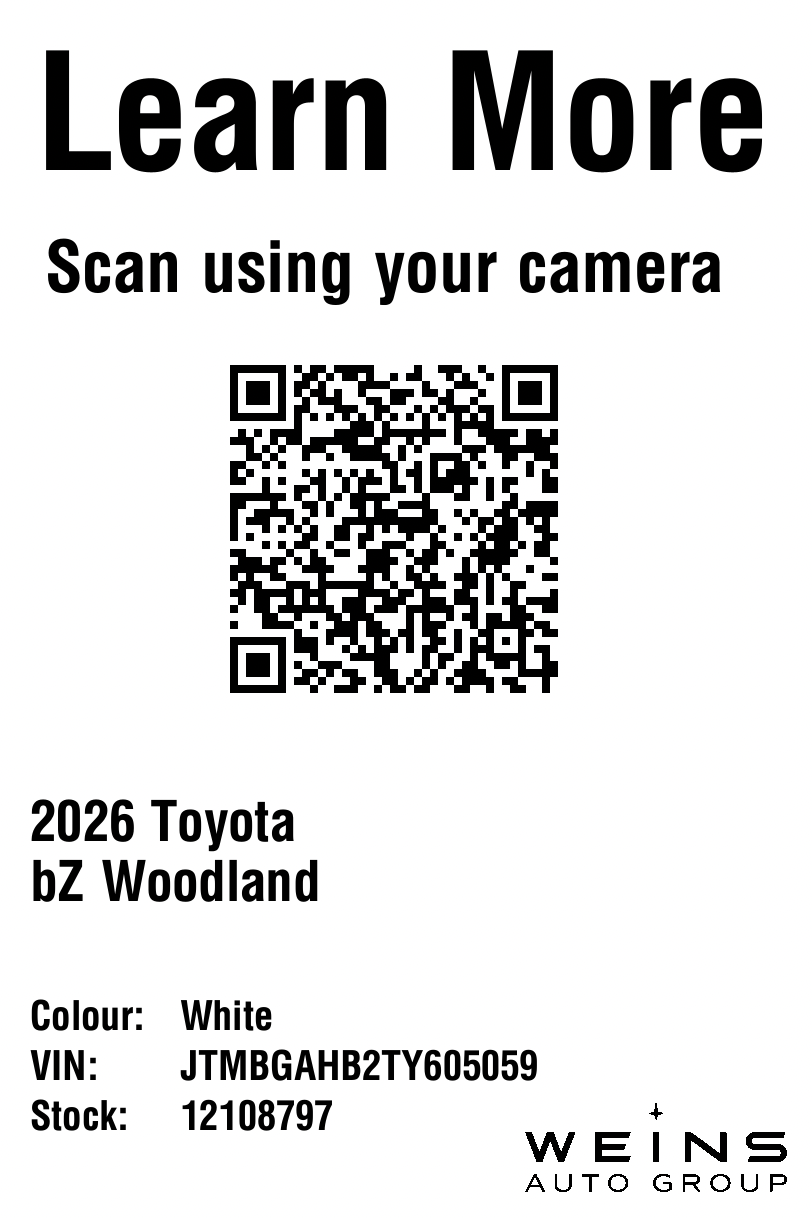
The windshield label can connect your stock-in process, your vehicle listing, and your saved parking location.

01

Arrive & prepare

Stock-In generates the stock number and the labels.

02

Scan & explore

SmartLabels connects customers to the current listing.

03

Park & find

Park uses that QR code to save the vehicle’s location.

Verify supports a separate part of the visit: a quick ID check when your customer arrives.

Connections to your existing systems View providers +
EXISTING CONNECTIONS

Works with the systems
your dealership uses.

Connect vehicle information across your stock-in process, key management, and website inventory.

Dealer management

Send vehicle information from Stock-In.

  • PBS Systems

Key management

Send vehicle information to your key system.

  • KEYper Systems
  • KeyTrak

Website inventory feeds

Connect listings to SmartLabels and Stock-In.

  • TRADER TAdvantage
  • EDealer
  • Dealer Inspire
  • Dealer.com
  • D2C Media
  • 360.Agency
SEE IT WORK

Want a closer look?

Tell us which product you’re interested in. We’ll walk you through it and answer your questions.

Book a demo