ReviewPilotSmartLabelsStock-InVerifyParkBook a demo
← All products
DriveLink SmartLabels

Print the label once.
Keep pricing online.

DriveLink SmartLabels are weatherproof QR-code labels for your vehicles’ windshields. Customers and sales staff scan a label with their phone to see that vehicle’s current online listing, including pricing, photos, and details. Update the listing, not the label.

Contact us for pricing
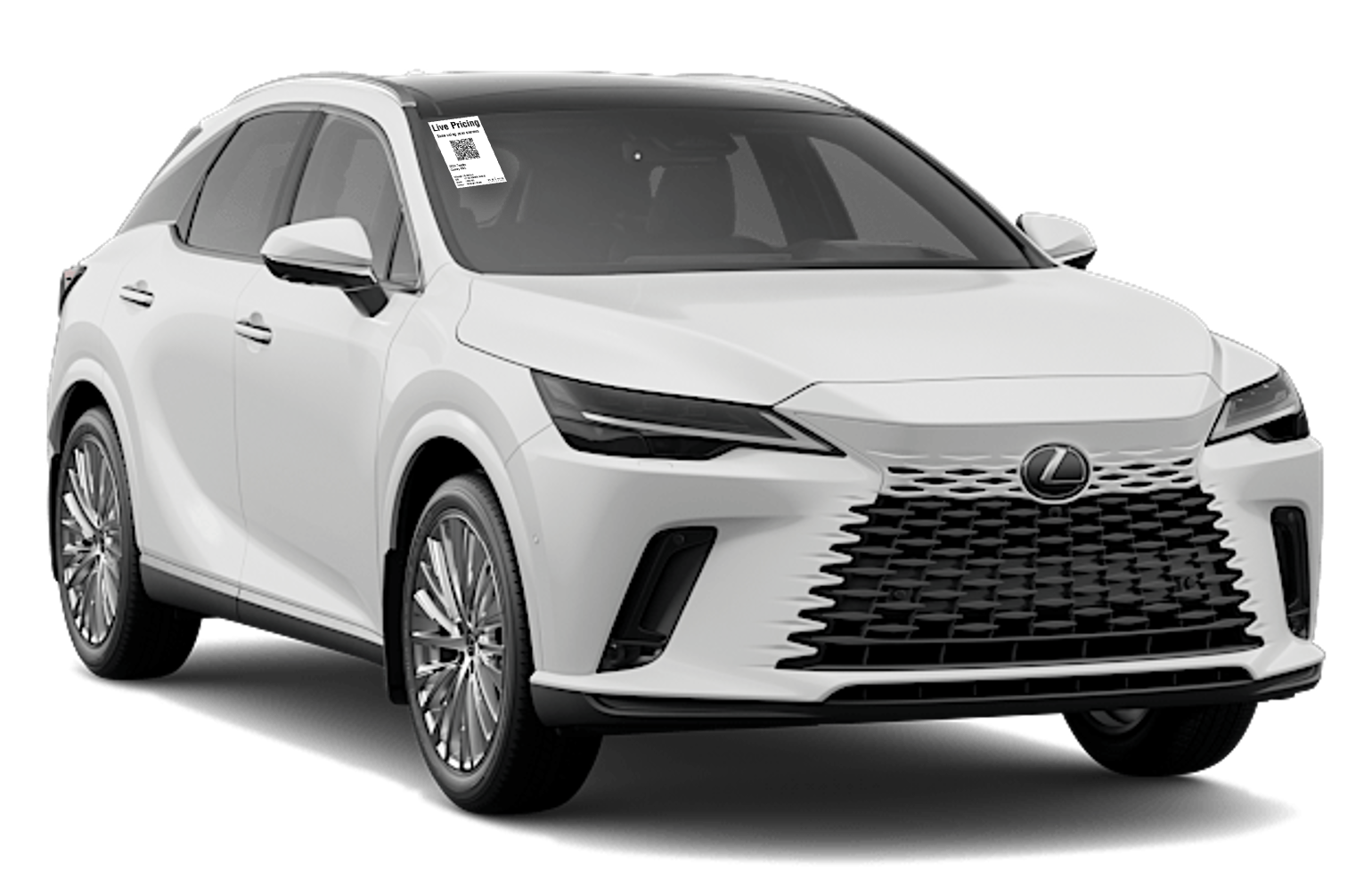
Live pricing, right on the windshield.
Live pricing, right on the windshield.An exterior QR label connects shoppers to the vehicle listing.
Actual product screenshot
THE DAILY ROUTINE, SIMPLIFIED

A few seconds to print.
One click for new arrivals.

Your website inventory feeds the print queue. Open it, print the new arrivals in one click, and hand the labels to your lot attendant. The queue clears until more vehicles arrive, so it is easy to stay on top of labelling the lot.

  1. 01

    New arrivals queue up

    Vehicle information comes from your website inventory feed. No retyping each vehicle to make its label.

  2. 02

    Print them all in one click

    A few seconds at the computer gets the batch printing. No selecting and printing vehicles one by one.

  3. 03

    Label the lot

    Staff apply the weatherproof labels outside the windshields. No keys or unlocking cars. Physical application time depends on the number of vehicles.

Current pricing. No replacement labels.

The QR code links to the online listing, not a price frozen on paper. When you update the listing, shoppers see the current information without your team reprinting the label.

KEEP THE CONVERSATION OPEN

Your lot keeps answering questions.
Even after you close.

A shopper finds a vehicle they like. The windshield label gives them a simple next step, with two ways to reach the vehicle information.

DIRECT LINK

Scan. Open the listing.

The customer scans the QR code with their phone camera and opens that vehicle’s online listing to explore pricing, photos, and details at their own pace.

Just as useful during the day: sales staff can review the same published details with a customer during a walkaround.
SMS OPTION

Scan. Send a text. Get the link.

The QR code opens a prepared text message. The shopper sends it, and DriveLink replies by SMS with the vehicle link.

If they want more information or a conversation with your team, their request for contact can become a sales lead.

FROM THE WINDSHIELD TO YOUR SALES TEAM

Turn interest into a sales conversation.

With the SMS option, a request for contact can reach your team by email or arrive as an ADF lead in your CRM. Give sales the shopper’s phone number, message, and the vehicle they asked about, so they have context for the follow-up.

  1. 01 · SHOPPER

    Scan the label

    The QR code opens a prepared message for the vehicle they are standing beside.

  2. 02 · SMS

    Send and explore

    They send the text and receive the vehicle link by SMS.

  3. 03 · ENQUIRY

    Request contact

    A shopper who wants help asks your team for more information.

  4. 04 · SALES

    Follow up with context

    The enquiry is delivered by email or as an ADF lead in your CRM.

Email to sales managers

Send the enquiry to your sales managers with the phone number, message, and vehicle information your team needs to respond.

ADF lead to your CRM

Deliver the enquiry in Automotive Data Format (ADF) for your CRM and phone sales team to handle through their existing lead process. Ask us about your CRM setup.

A QR scan alone does not identify the shopper. The SMS journey begins when they send a text; lead delivery follows their request for contact.

EXPLORE SMARTLABELS

Choose your label experience.

Two ways to connect shoppers with vehicle details. See how each works for new and used inventory.

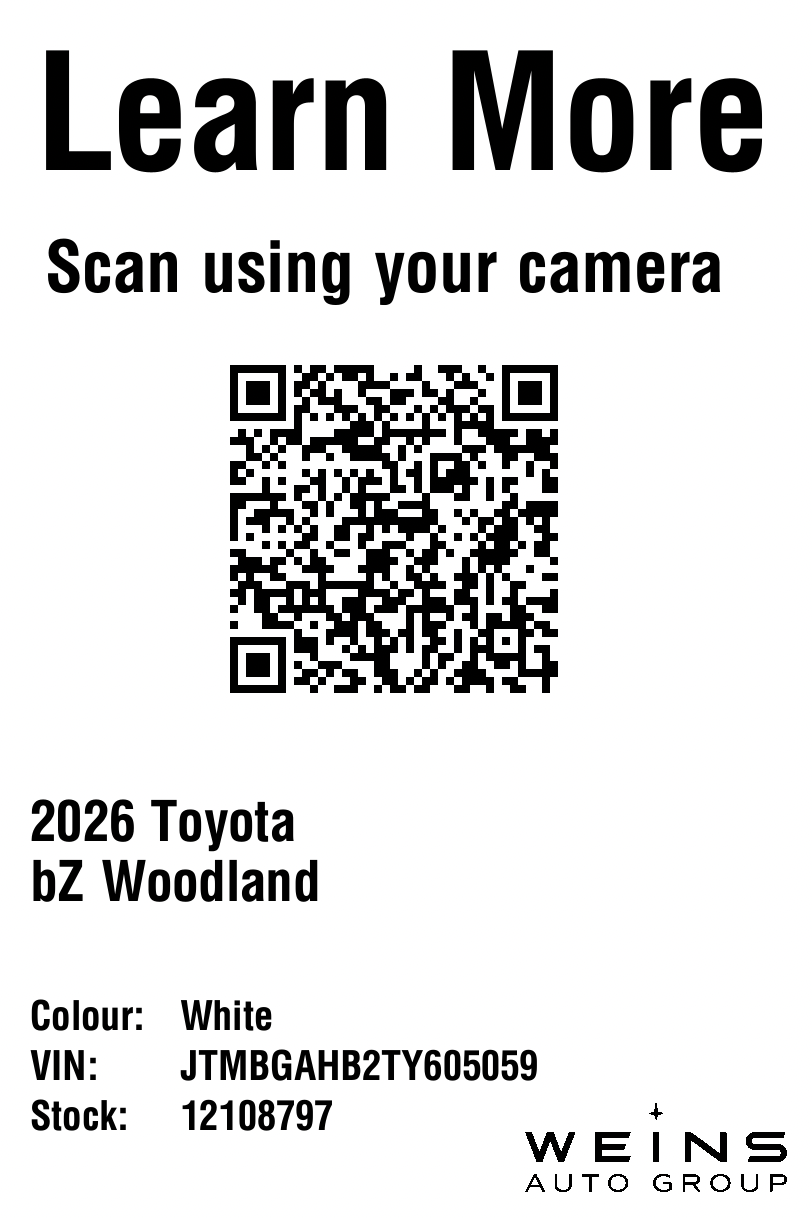
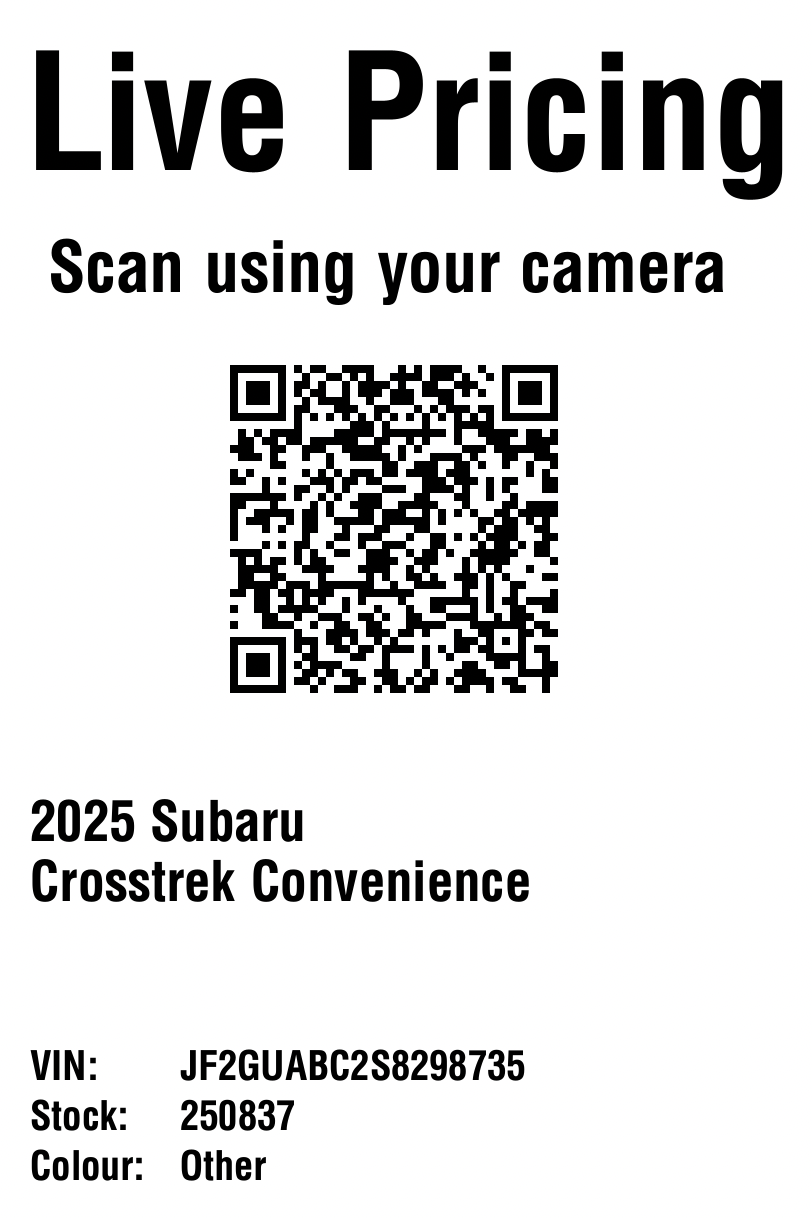
Scan to open the vehicle listing.

The QR code takes the shopper straight to the vehicle’s page on your website.

New vehicle

New vehicle Direct URL label

Used vehicle

Used vehicle Direct URL label

Sample labels shown. Wording and dealership branding can be customised.

THE LOT, CONNECTED

What SmartLabels does.

01

Your inventory. Ready to print.

Your website inventory feeds the print queue. Print the new arrivals in one click; the queue clears until more vehicles are added.

02

Outside the windshield. No keys needed.

Print labels from your website inventory and apply them to the outside of the windshield. A lot attendant can label vehicles in minutes without collecting keys or unlocking a single car. The labels are waterproof and weatherproof, and peel off cleanly without residue.

03

Your store, on every label.

Add your dealership logo and customise the wording. Use “LIVE PRICING” for used vehicles and “LEARN MORE” for new vehicles.

04

Build trust during the walkaround.

When an advisor scans the label with a customer, they can review the published price, mileage, and vehicle details together. Showing the source of the information helps build credibility and gives the customer confidence in the conversation.

05

Keep the lot informative after hours.

Evenings, weekends, and whenever the showroom is closed, shoppers can scan the label to learn about the vehicle at their own pace. Choose a direct link to the listing or an SMS option that returns the vehicle link after the shopper sends a text.

06

Turn an after-hours text into a follow-up opportunity.

With the SMS option, shoppers scan the QR code and send the prepared text to receive the vehicle link. Your team can review the sender’s phone number and the vehicles they enquired about. When a shopper requests contact for more information, DriveLink can email their details to sales managers or send an ADF lead directly to your CRM for the phone sales team to handle. A QR scan alone does not identify the shopper.

KEEP IT SIMPLE

How it works.

1

Connect your inventory feed

2

Print the new arrivals

3

Scan for current vehicle details

A FEW USEFUL ANSWERS

Good questions.

Do I need to reprint when a price changes?

No. The QR code links to the vehicle’s online listing, so shoppers see the information currently published there. Keeping the listing accurate is still essential.

Who can print the labels?

Lot staff, a manager, or another team member can handle the simple one-click print queue.

Can the labels be customised?

Yes. Labels can include your dealership logo and customised wording. Direct-link and SMS options are available.

SEE IT WORK

Want a closer look?

Tell us which product you’re interested in. We’ll walk you through it and answer your questions.

Book a demo