1. Scan at reception
Keep a dedicated iPad at reception. Staff inspect the original licence and scan the front and back with DriveLink Verify. The iPhone and iPad app makes this a quick, low-friction step when the customer arrives.
DriveLink Verify is an iPhone and iPad app for quick, in-person licence checks. Scan the front and back, get an instant pass/fail result based on the document checks performed, and generate a certificate for the deal file.

Download DriveLink Verify, then contact us for a trial login.

Each scan generates a pass/fail PDF certificate with front and back licence photos, extracted information, and scan details. If the customer purchases, the finance manager downloads the certificate from the web portal and saves it in the deal file.
Download the certificate from the web portal within 30 days and retain it in the customer’s deal file. After 30 days, customer scan data is deleted. Your dealership keeps the downloaded certificate for its applicable lender and record-retention requirements.
DriveLink Verify is built for dealerships where customers are present and staff inspect their original identification. We do not include facial recognition or liveness checks because we believe the best in-person customer experience is straightforward, without unnecessary selfie or video steps.
Keep a dedicated iPad at reception. Staff inspect the original licence and scan the front and back with DriveLink Verify. The iPhone and iPad app makes this a quick, low-friction step when the customer arrives.
Get an instant pass/fail result based on the document checks performed, with a certificate generated in a few seconds. Compare the original ID with the customer and investigate any failed result or inconsistency.
If the customer buys a vehicle, the finance manager downloads the certificate from the web portal and saves it in the deal file. Follow lender instructions on submission; storing it does not automatically submit it for funding.
Scan identification and review the result.

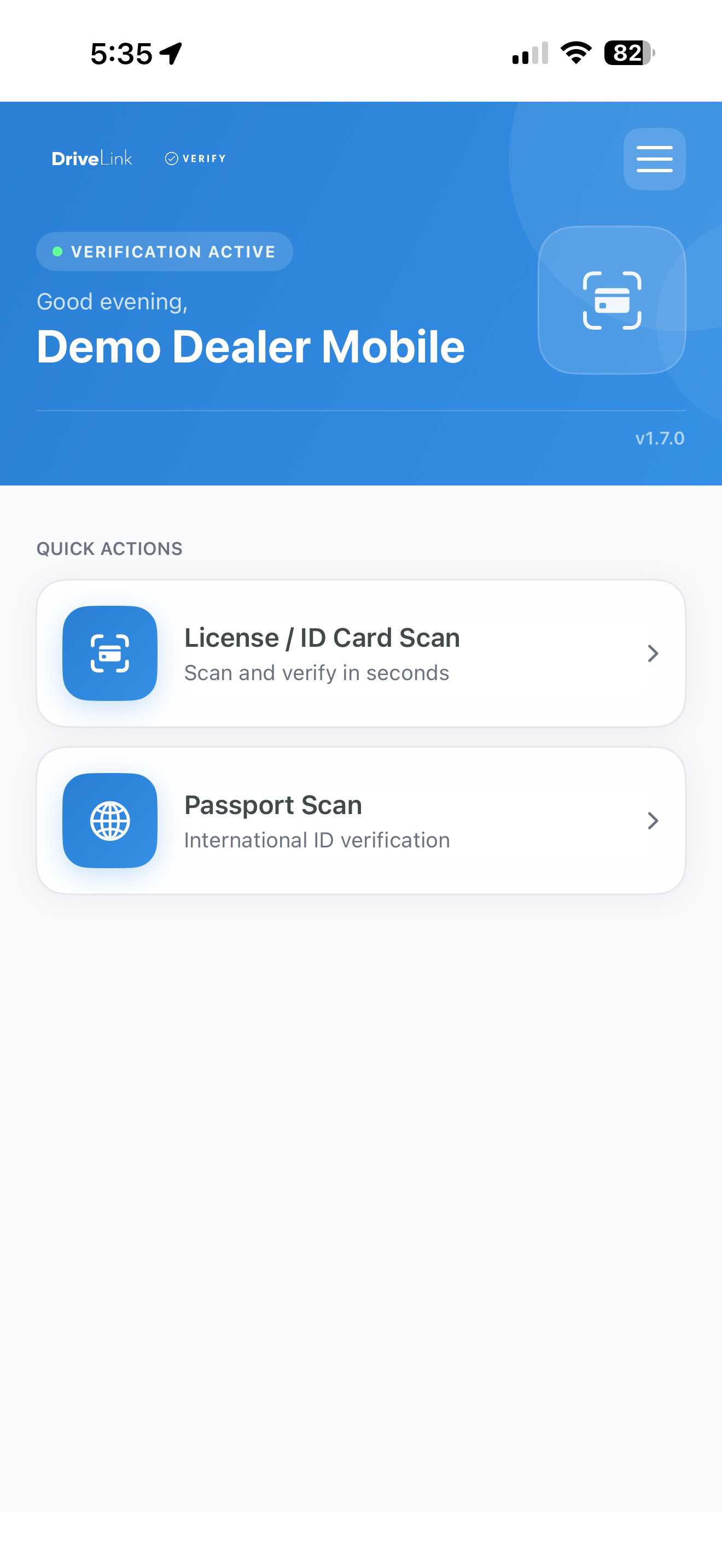
The Verify app launch screen.
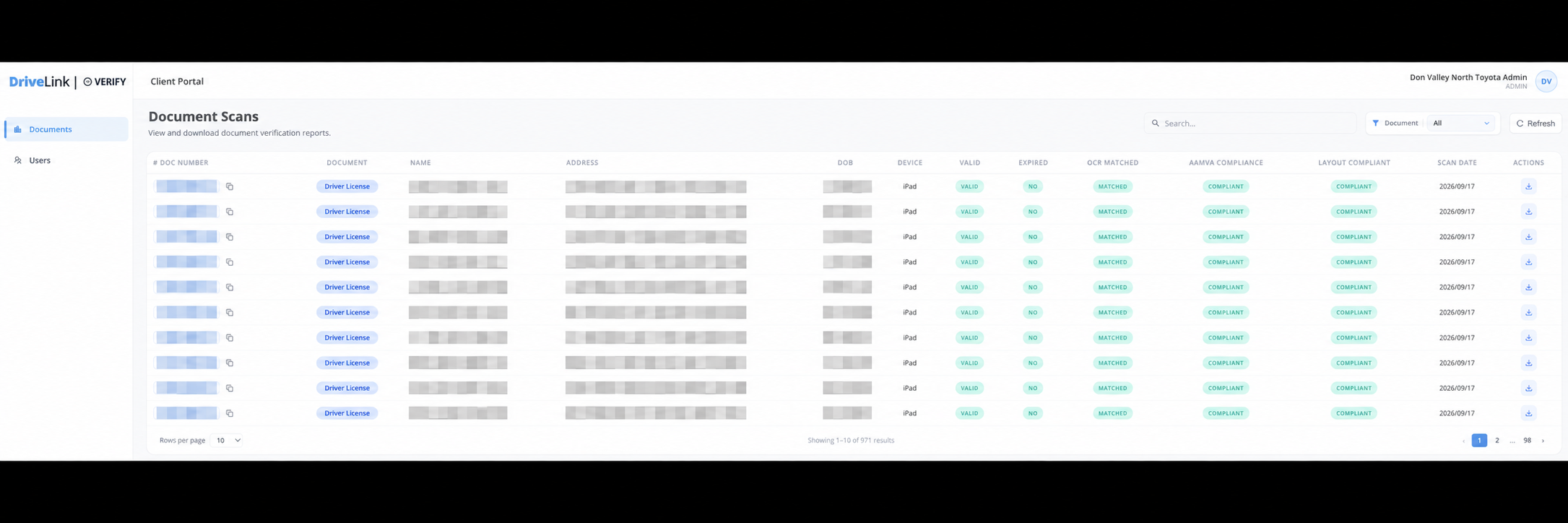
Review verification results and download certificates for the deal file.
Extract the information from the front of a supported driver’s licence and compare it with the barcode data to identify inconsistencies. Available checks depend on the document and format.
Check whether the supported licence has expired and receive an immediate pass/fail result based on the checks performed. Review the result before proceeding with the transaction.
The certificate contains the pass/fail result, front and back licence images, extracted fields, and the date, time, and location of the scan. Retain the certificate in the customer’s deal file.
Certificates are available to download from the web portal for 30 days. After 30 days, customer scan data is deleted. Download the PDF and retain it in the deal file before the download window closes.
Equip a shared reception iPad or another supported device for customer arrivals. Licensing is per device, with unlimited scans rather than a charge for each check.
Coming soon: a connection to PBS that automatically sends the verification PDF to the digital deal file. The planned workflow will also let staff add the customer to PBS or supported CRMs from the same app, in one step, without scanning the ID again in another app.
Supported scanning documents are listed below. Available checks vary by document type and format. Scanning support is not a statement of lender acceptance. Confirm which identification your lender permits before collecting or using it.
Driver’s licence, ID card
Driver’s licence, ID card, public services card
Driver’s licence, ID card
Driver’s licence, ID card
Driver’s licence, ID card
Driver’s licence, ID card
Driver’s licence, ID card
Driver’s licence, ID card
Driver’s licence, ID card, health insurance card
Driver’s licence, ID card
Driver’s licence, health insurance card
Driver’s licence, ID card
Driver’s licence, ID card
Passport, residence permit, tribal ID, weapon permit, citizenship certificate, and polycarbonate passport.
Passport, passport card, border crossing card, Global Entry card, green card, military ID, TWIC card, uniformed services ID, veteran ID, work permit, polycarbonate passport, and Social Security card.
The pass/fail certificate contains images of the front and back of the licence, the extracted data fields, and the date, time, and location where the scan was completed. It is available to download from the web portal for 30 days. After 30 days, customer scan data is deleted.
Retain the certificate in the customer’s deal file in accordance with your dealership’s applicable lender, privacy, and record-retention requirements. Download the PDF within 30 days. After that period, customer scan data is deleted. The portal is not a long-term archive and does not replace your dealership’s deal-file retention.
DriveLink Verify is built for dealerships where customers are present and staff inspect their original identification. We do not include facial recognition or liveness checks because we believe the best in-person customer experience is straightforward, without unnecessary selfie or video steps. Confirm that this in-person verification workflow meets your lender’s requirements.
We do not claim universal lender approval or endorsement. Requirements differ by lender, transaction, and dealer agreement. Confirm provider acceptance, required checks, acceptable ID types, and documentation requirements with your lender before relying on DriveLink Verify for a transaction.
No. Available checks vary by document type and format. Front-to-barcode comparison applies where the supported document contains the relevant data. Technical scanning support does not mean that a lender accepts that document as identification.
No. A pass reflects the checks performed on the document. It is not a guarantee of authenticity, identity, lender acceptance, or funding approval, and does not replace your team’s in-person inspection and due diligence.
Not yet. The planned PBS integration will automatically push the verification PDF to the digital deal file. Staff will also be able to add customers to PBS or supported CRMs from the same app, without a second scan in another app. These capabilities are coming soon. Contact us to confirm planned CRM support.
Tell us which product you’re interested in. We’ll walk you through it and answer your questions.
Book a demo